
To login:
https://wichitapublicschoolsfoundation.org/backend
After Logging in:
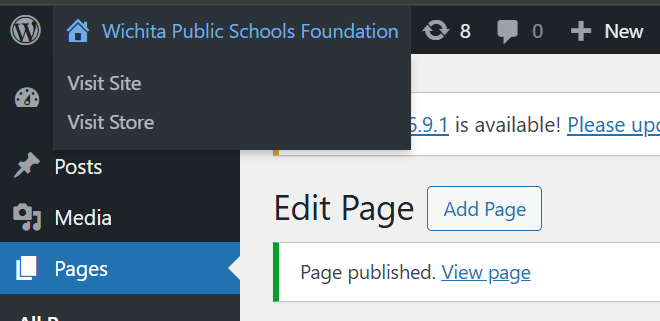
You’ll find yourself on the wordpress dashboard, with the “Admin bar” visible. You can switch from frontend to backend and vice versa by clicking on the site name in the admin bar.
The backend has a lot going on but for content editing you only really need the “Pages” section.
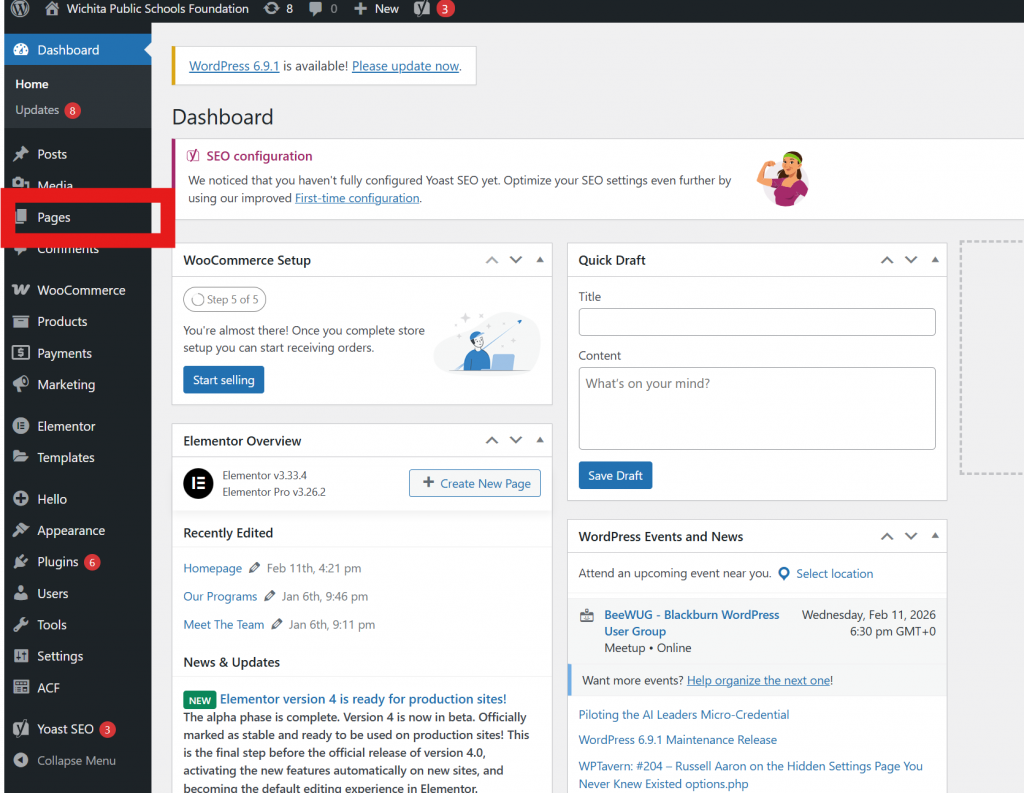
Editing Content:
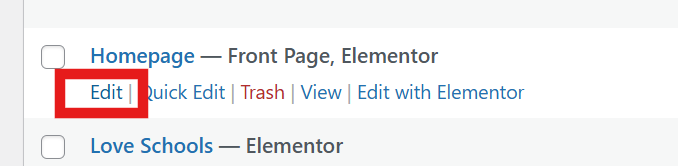
Editing content is very simple. You can select “Edit from either the backend in the list of pages, or the front end when visiting a page. (while logged in)

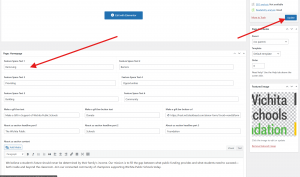
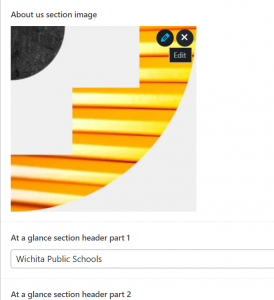
The editor has content boxes for each section of the page, allowing you to edit headlines, content, buttons+urls and images. Just edit the content as you like and click “update” when you are finished.
Important Notes:
Alongside the “Edit” buttons, you’ll find options for “Edit in Elementor”, Ignore this for the most part. Elementor is the page building tool but all the content is decided on the backend.
When on the page editor, ignore the “Return to WordPress Editor” as well. These have to remain visible to you as an admin in case any changes to site layouts are to be made